
15th feb | Huge library update - 1500+ scripts now available
UNLOCK THE FULL ZEN SCRIPT LIBRARY
Access 1,500+ Scripts Today!
NBA 2k26
2K Plus
ultimate


2K Plus
Yew
NBA 2K24
2k24 Auto Green v1.4
ultimate


2k24 Auto Green v1.4
Script City
NBA 2k26
2k26 AI
ultimate

2k26 AI
Avenged
NBA 2k26
2k26 Auto Green V2
ultimate
2k26 Auto Green V2
BoostSquad
Call of Duty: Black Ops 7
Snake V3
ultimate

Snake V3
Lethal Panda
Overwatch 2
Overwatch 2
ultimate
Overwatch 2
AI Babel
NBA 2k26
2K Plus
ultimate
2K Plus
Yew
NBA 2K24
2k24 Auto Green v1.4
ultimate
2k24 Auto Green v1.4
Script City
NBA 2k26
2k26 AI
ultimate
2k26 AI
Avenged
NBA 2k26
2k26 Auto Green V2
ultimate
2k26 Auto Green V2
BoostSquad
NBA 2k26
2k26 Lag Switch
ultimate
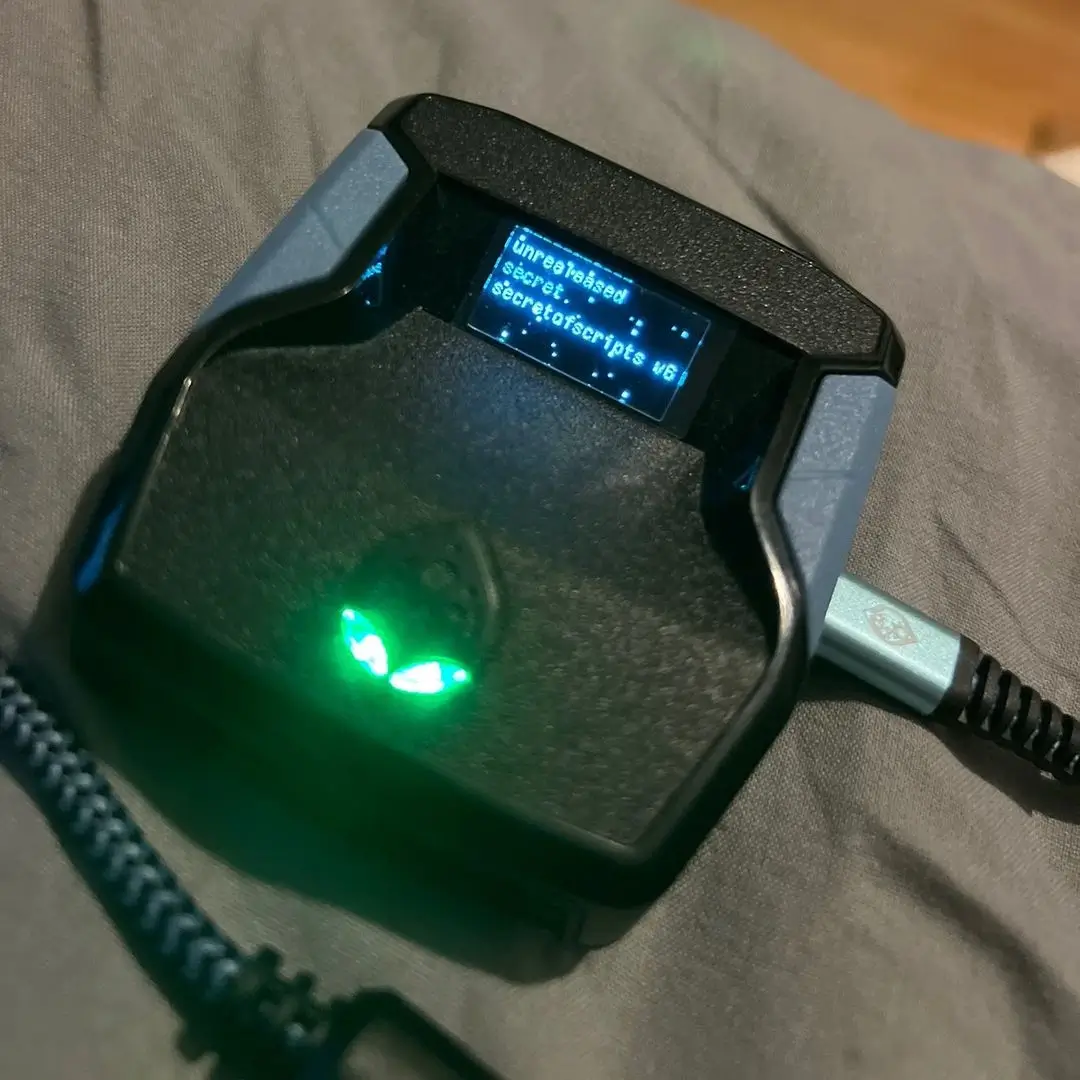
2k26 Lag Switch
Secret of Scripts
upgrade for full access
4.8/5 from 9,000+ Users
200+ Free Scripts • 4 Premium Scripts Weekly • No Credit Card required


Features

guides
This script includes an instruction guide
Plug and Play
This Script doesn't require any tweaks to get started
Guides
Color Indications
- Green – Script ready to use rapid fire for Carcano (crouches glitch).
- White – Script not ready for rapid fire or auto headshot.
- Red – Script ready to use Carcano rapid fire (touchpad glitch + horse).
- Yellow – Script detects inventory, pause menu, or catalog.
- SkyBlue – Auto headshot for long distance.
- Pink – Auto headshot for middle distance.
- Light bar flashing – Battery charge < 10%.
Rumble Indications
- Strong vibration (left side) = Improved sniper aim assist enabled.
- Small vibration (right side) = Improved sniper aim assist disabled.
Before Using
Game settings to change:
- Invert Look = Off
- Vibration = Off
- Light Bar Effect = Off
- Third Person Controls = Standard FPS
- First Person Controls = Standard FPS
Default Layout
- Aim / Switch item in selector = L2
- Shoot / Switch item in selector = R2
- Run = L3
- Weapon selector = L1
- Crouch / Run on horse = Cross
- Jump = Square
- Sit on horse = Triangle
- Cancel = Circle
- Look behind / Dead Eye = R3
- Hide behind cover / Switch to tonics = R1
Weapon Selector Mods
- 3 personal weapon slots (top) = Clicker + Auto headshot
- Left slot (9 o’clock) = Same as above
- Slots at 7, 5, 3 o’clock = No mods
- Bottom slot (6 o’clock) = Sniper mode only
Script determines slot when holding L1 to select weapon. If not correct, reselect weapon.
Sniper Mode
- Bottom slot → Aim + press RIGHT on D-Pad to cycle modes:
- Carcano rapid fire (crouches glitch) → Green LED
- Carcano rapid fire (touch panel glitch + horse) + bow rapid fire → Red LED
- Disable modes → Aim + hold RIGHT on D-Pad → White LED
Other notes:
- Sniper hip-fire = 100% accuracy (even with Slippery Bastard).
- Script disables sniper mode + cross clicker in inventory/pause/catalog (Yellow LED).
- If stuck on Yellow, press Cancel a few times or hold it.
- Pause mode disables cross clicker (for tonics).
- Script remembers sniper rapid fire mode per slot.
- While aiming, press L1 to toggle improved sniper aim assist (rumble feedback).
Using Modes
Clicker
- Hold fire button > 130 ms.
Auto Headshot
- When White LED:
- Press L1 after aiming = Long distance combo
- Hold L1 after aiming = Middle distance combo
- Don’t press L1 = Disabled
- Or: In left/personal slots → Aim + press RIGHT on D-Pad to enable Auto headshot.
- SkyBlue LED = Long distance
- Pink LED = Middle distance
- Aim + hold RIGHT to disable → White LED
- Dead Eye activation handled by script.
Hip-Fire Mode
- Fire while not aiming.
- Don’t spam to avoid scope animation.
- Hold fire = Carcano rapid (100% accuracy) with flickering sight.
Rapid Fire (Crouches Glitch)
- Fire while aiming (when crosshair turns white).
Rapid Fire (Touch Panel + Horse)
- Sit on horse and hold fire while aiming.
- Or use bow for rapid fire.
Recommended Weapon Layout
- Top slot = Personal weapons
- Left slot = Repeaters, Rifles, Shotguns
- Bottom slot = Snipers, Bows, Shotguns
Horse Running Clicker
- Sit on horse.
- Hold Cross > 2 seconds = Cross clicker activates.
Skip Tonics Animation
- Touchpad divided:
- Lower part = Standard
- Upper part = 3 zones
- Left = Skip animation for left slot tonic
- Right = Skip animation for right slot tonic
- Center = Skip animation for center slot tonic
- While in Dead Eye: Tap or hold to activate.
Quick Hat Equip (Legendary Costume)
- Wear legendary animal costume + put its hat in 7 o’clock slot.
- Touchpad lower part:
- Right 66% = Standard
- Left 33% = Auto-equip legendary hat
